
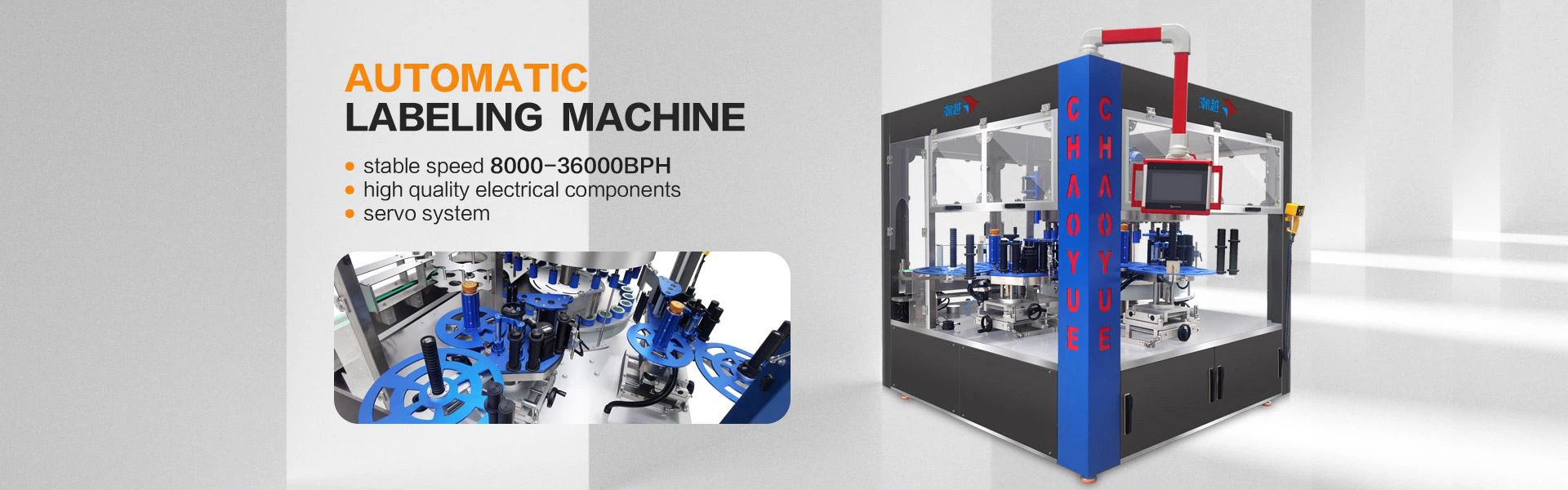
When we are using the machine, if its use effect does not meet our requirements or standards, we have to find out the reason, where is it, the same is true for the automatic labeling machine, then the automatic labeling machine is labeled What are the six causes of instability?

1. The tape pressing device may not be pressed tightly, resulting in loose label tape and inaccurate detection by the electric eye. Press the label to resolve.
2. The traction mechanism may slip or not be pressed tightly, resulting in the failure to take the backing paper smoothly. Press the traction mechanism to solve it. If it is too tight, the label will be crooked. It is better to pull the bottom paper normally. (Usually if the backing paper is wrinkled when pulled out, it should be pressed too tightly)
3. The pasted objects have different shapes or different positions. Control product quality.
4. The object to be pasted should be placed parallel to the labeling direction of the label (pay attention to whether the product moves during the labeling process, and the support bar on the left can be raised a little higher than the right)
5. The object to be pasted should ensure smooth rotation on the labeling station (be careful not to touch the label stripping plate). When the object is too light, put down the covering pole and press the pasted object
6. In the state of double labeling, the automatic labeling machine outputs a single label (1) After a single label is produced, the workpiece keeps rotating because there is no delay for the second label, and the machine is waiting for the second label labeling signal status. (2) After a single label is released, the workpiece stops. It is because the marking sensor has signal interference (reset the sensor) or the delay control is abnormal (click twice for jog 2, then click twice for jog 1).